
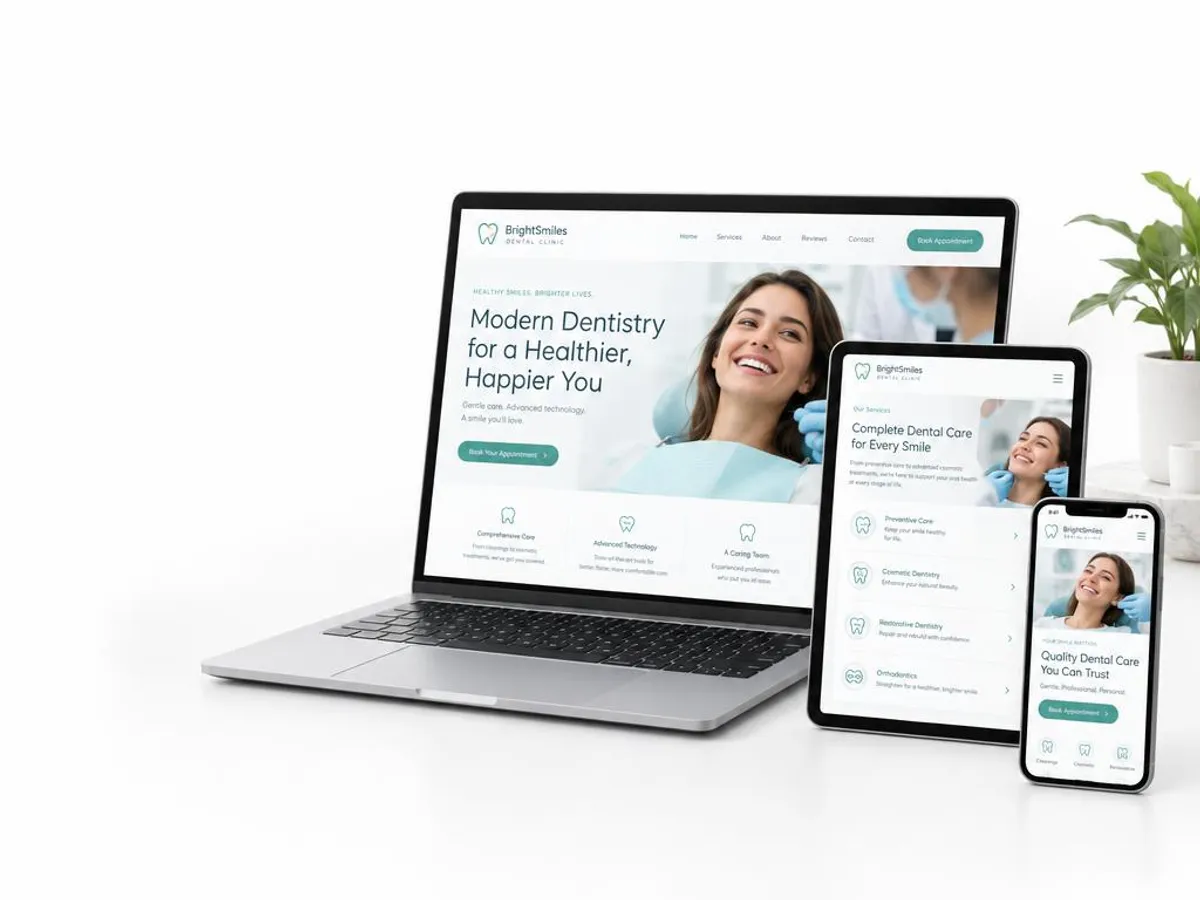
What a dental practice website actually needs to do
We build or rebuild to a documented checklist: treatment pages written for the patient considering that treatment, booking that works on a phone, pages built to Google's published Core Web Vitals thresholds, accurate practitioner titles, AHPRA-safe copy and images, structured data, and the practice owns every account from day one.
Practice websites often share the same gaps. Treatments are listed rather than explained. The booking link opens a third-party form that looks nothing like the rest of the site. Pages load slowly on a phone, and the practitioner profiles stop at a first name and a headshot. Individually, each of these problems is a small friction. Together, they cost bookings.
A well-built dental website has several jobs running at the same time. It needs to rank for the treatments you deliver and the areas you serve. It needs to reassure a patient who has looked at several practices and is deciding between them. And it needs to make the path from reading to booking as short and straightforward as possible. This guide covers each of those jobs in turn.
Treatment pages that answer the patient's real questions
A patient researching dental implants or clear aligners is not browsing casually. They are comparing options, forming a view on cost, and trying to understand whether this is the right practice for a treatment that matters to them. A generic services page with one paragraph and a booking button rarely persuades them. Each high-value treatment needs a page written for the person who is seriously considering it.
What a good treatment page covers
That means explaining the process in plain steps, addressing the most common concerns honestly, stating who performs the treatment and with what qualifications, and making the booking option easy to find without requiring the patient to scroll back to the top. The goal is not a wall of text. It is a page that earns the patient's confidence and removes the reasons to keep looking at other practices.
High-value treatments
For implants, All-on-4, Invisalign and cosmetic work, patients tend to research for longer and read more closely. Pages for these treatments benefit from more depth: a description of suitability, an honest account of the process and recovery, and clear information about how fees are determined and why a consultation is needed before a specific figure can be given. See dental implant marketing, All-on-4 marketing and cosmetic dentistry marketing for how we approach each.
Online booking that works on a phone
Many patients look for a dentist on their phone. If your online booking does not work smoothly on a phone, or takes more than a few taps to reach from a treatment page, those visitors tend to leave without booking. The booking form itself, the appointment type selection and any confirmation step all need to work as well on a small screen as on a desktop.
We test the booking journey on actual handsets, not just a browser resized on a desktop. We check whether the booking option is reachable from each treatment page without returning to the homepage first, whether the phone number is a tappable link, and whether the form fields are usable with a mobile keyboard. We also look at page load time on a mobile connection, because a page that takes too long to load loses visitors before they reach the booking step.
Speed, Core Web Vitals and accessibility
Google uses Core Web Vitals as part of its ranking criteria. These metrics measure real user experience on the page: how quickly the largest piece of content becomes visible, whether the layout shifts as resources load, and how fast the page responds to input. Google publishes the current metrics, their thresholds and guidance for improving them at web.dev/vitals. Google describes page experience as one consideration among many, so speed alone will not lift a thin page. But a slow site makes every other piece of work harder, and it loses patients before they read a word.
Common causes of poor performance include unoptimised images, render-blocking scripts, booking widgets that load slowly, and layout instability caused by late-loading fonts or embeds. We check Core Web Vitals on representative pages at the start of every engagement and address the specific causes rather than applying generic fixes.
Accessibility
Accessibility is not only a compliance question. A site built with proper heading structure, sufficient colour contrast between text and background, descriptive alt text on images and correctly labelled form fields is easier for all patients to use, including those with vision impairments or cognitive differences, and easier for search engines to read. We build to the WCAG AA level as a baseline and check the outcome on real devices rather than relying on automated scanners alone.
Practitioner profiles and AHPRA-safe content
Practitioner profiles do real work on a dental website. Patients researching an implant or considering orthodontic treatment want to know who performs it and what their background is. A photo, accurate qualifications and a note on the practitioner's area of interest builds trust that a generic 'our team' page does not. The requirement here is accuracy. A dentist who provides implant or orthodontic treatment must be described with their correct registration type. Only a dentist with specialist registration in a recognised specialty, such as orthodontics, periodontics or oral surgery, may use the corresponding specialist title. Using these titles for a general dentist is a breach of the National Law and can attract a complaint to AHPRA.
Before-and-after images can be used on a practice website, but they need care and context. AHPRA's advertising guidelines require that images not create an unreasonable expectation of a beneficial result. Pairing images with information about the specific treatment, the patient's situation and the realistic range of outcomes is the approach we take. We review all existing images in the audit and flag those that carry a risk before anything goes live. For a fuller account of how AHPRA's advertising rules shape the copy we write, see dental SEO.
Structured data and the handling of health enquiries
Structured data tells Google your practice name, address, phone number, opening hours and services in a format it reads reliably, rather than inferring it from page text. We add Dentist structured data (a LocalBusiness type) as a standard step, cross-check the details against your Google Business Profile, and confirm it validates cleanly before the site goes live. This helps Google show accurate details for the practice. For practices with multiple locations, each site needs its own schema with the correct address and hours, rather than sharing a single set of details across all of them.
Health enquiry information is sensitive. Practices collect personal information, including health information, through contact forms and booking requests. The privacy policy on your site should be current, clear about what is collected and why, and accessible to patients without having to search for it. We review the privacy policy and how form data is handled as part of the build. Some third-party booking tools pass enquiry data through their own servers before delivering it to the practice: it is worth understanding where that data is stored and how long it is retained, particularly for forms that collect health-related details. Where specific questions about compliance arise, we point practices to their own legal or privacy advice.
Rebuilding without losing rankings, and who owns your accounts
A website rebuild can undo years of accumulated search visibility if it is not handled carefully. Rankings attach to URLs. If a new site uses different URL structures and old addresses are not redirected, pages that currently rank can lose that visibility. Before any build begins, we map the existing URLs, identify those with ranking value, and plan the redirect structure. Google Search Console, analytics and the Google Business Profile link are verified as part of the go-live checklist, not checked after the fact.
Every account created during the engagement belongs to the practice. The domain, website files, Google Ads account, analytics and all content written for you stay under the practice's own login. We do not operate accounts under an agency master and transfer them later. This means you are never dependent on us to access your own data, and moving on does not require a complicated handover. For a broader picture of how the website fits into your marketing channels, see dental marketing.
- i.We're happy with our current design. Can you just fix the parts that aren't working?Usually, yes. A rebuild is not always the right answer. The audit will show which parts are holding you back, and we can often address them without starting from scratch.
- ii.How do we know the new site will keep our current rankings?We map every URL with ranking value before the build begins and document the redirect plan. Organic positions cannot be promised, but losing them to avoidable URL changes is preventable, and we treat it as a hard requirement.